Why Professional Video Editing Is the Bridge Between Raw Footage and Results

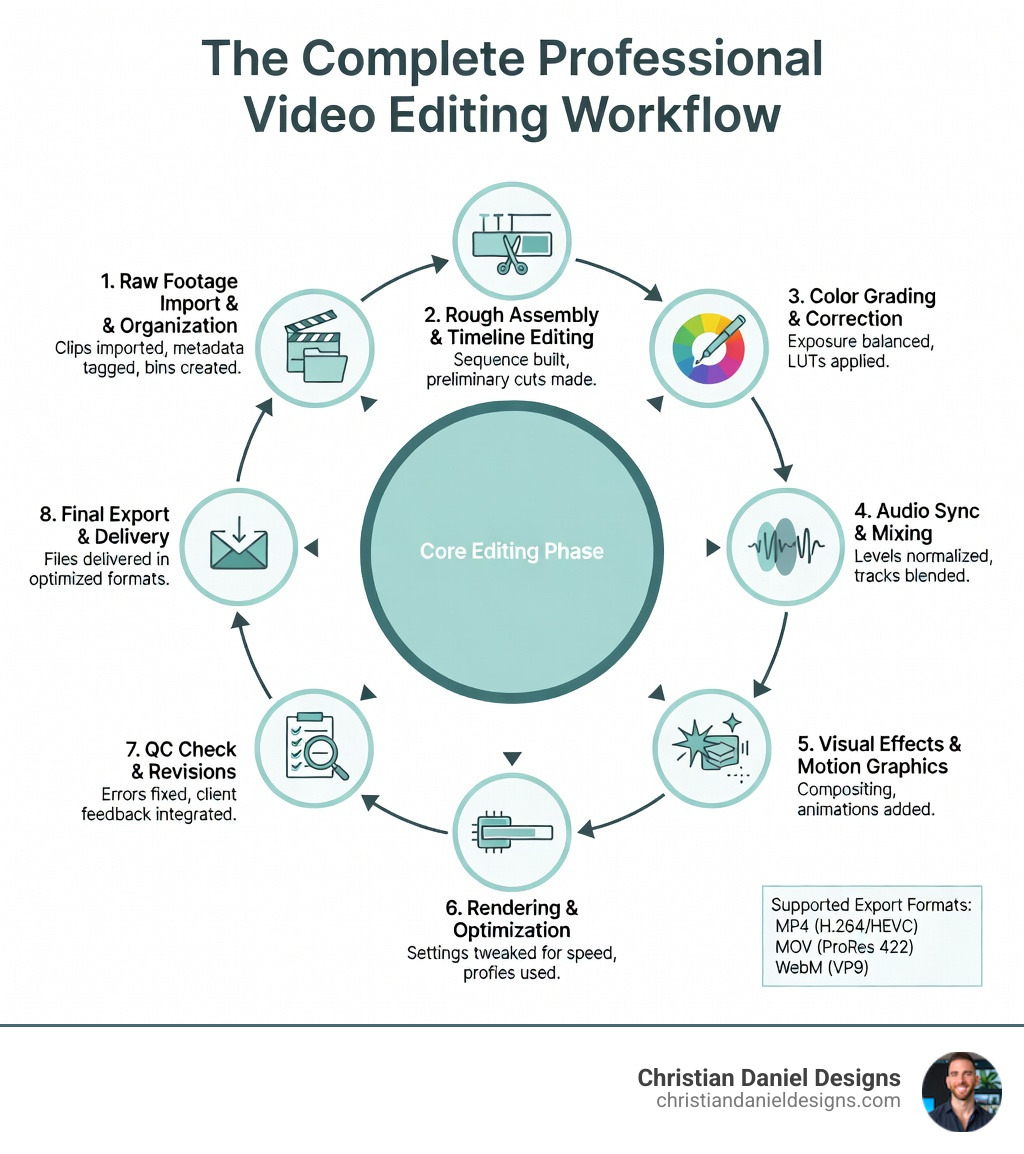
Professional video editing transforms raw footage into compelling stories that drive engagement, conversions, and brand authority. If you’re searching for expert video editing services, here’s what you need to know:
Quick Answer: What Is Professional Video Editing?
- Post-production process that assembles, cuts, and refines video footage into polished final deliverables
- Technical skills including color grading, audio mixing, motion graphics, and effects integration
- Creative judgment to shape pacing, emotion, and narrative flow for maximum audience impact
- Software expertise in tools like Adobe Premiere Pro, DaVinci Resolve, or Final Cut Pro
- Workflow efficiency using AI-driven features, rendering optimization, and timeline management
Video editing is more than cutting clips together. It’s the difference between footage that sits unwatched and content that converts viewers into customers.
The challenge? Most business owners face a brutal choice: spend dozens of hours learning complex software like Premiere Pro or DaVinci Resolve, or outsource to freelancers where quality and communication vary wildly.
According to industry data, over 63,000 video editing services exist on platforms like Fiverr alone. That massive marketplace reflects one truth: businesses need video content, but creating it in-house drains time, energy, and focus from revenue-generating activities.
The technical demands have escalated too. Modern professional video editing requires handling 4K footage, stabilizing shaky clips, color grading with tools like Lumetri Color, and integrating AI-powered features that speed up workflows. Software like CyberLink PowerDirector remains the fastest for rendering highly compressed HD video, while DaVinci Resolve Studio 20 now includes over 100 GPU-accelerated effects.
For creative professionals, hospitality brands, and growing businesses, the question isn’t whether video matters—it’s how to produce it consistently without burning out your team.
I’m Christian Daniel, and I’ve spent over 20 years delivering professional video editing for clients including The Plaza Hotel, Park Hyatt Chicago, and National Geographic, using tools like Premiere Pro, After Effects, and DaVinci Resolve. My approach combines technical precision with strategic storytelling to create videos that don’t just look good—they drive measurable business results.
Why I Recommend Professional Video Editing Software for Every Project
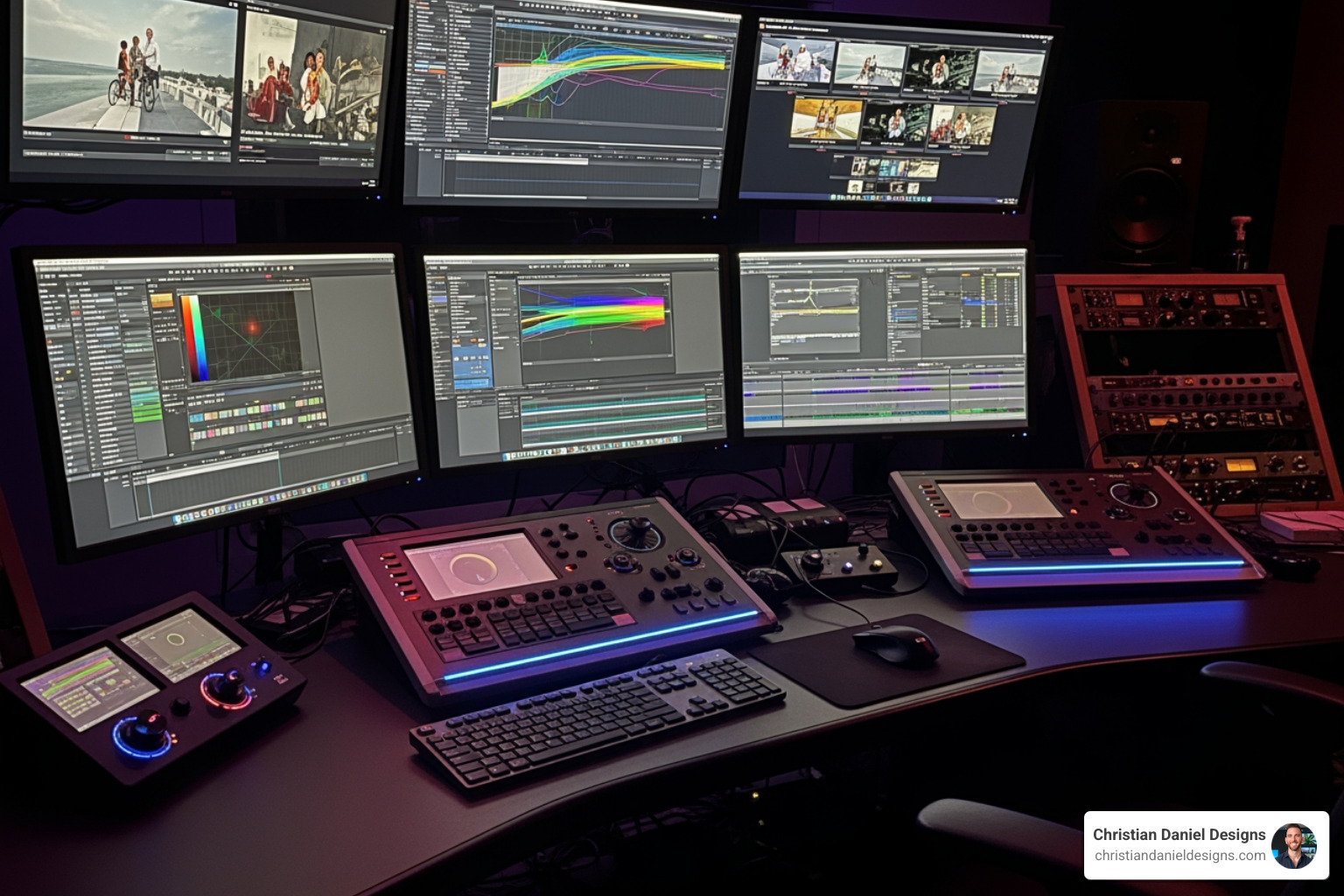
When I sit down in my NYC studio to start a new project, I don’t just reach for any tool. I reach for industry standards. Why? Because professional video editing isn’t just about making “cuts”; it’s about having the surgical precision to manipulate every pixel and sound wave.
Modern software has moved far beyond the days of simple splicing. Today, AI-driven tools are the secret sauce. For instance, Adobe Premiere Pro now features an “Object Mask” (currently in beta) that allows me to create complex masks in a snap. This used to take hours of frame-by-frame rotoscoping. Now, I can edit videos with the industry-standard film editor and let the software do the heavy lifting.
Another reason I insist on pro-grade tools is color. I often use the Lumetri Color panel, which is a favorite among cinematographers. It allows me to fix white balance, perform deep color correction, and apply cinematic grading that makes a video feel like a “film” rather than a home movie.
To help you understand the landscape, I’ve put together a quick comparison of the heavy hitters I see in the industry:
| Feature | Adobe Premiere Pro | DaVinci Resolve 20 | CyberLink PowerDirector |
|---|---|---|---|
| Best For | Industry Standard / Social Media | Color Grading / VFX | Speed / Prosumers |
| AI Tools | Object Mask, Text-Based Editing | Magic Mask, Face Refinement | AI Sky Replacement, Speech-to-Text |
| Pricing | Monthly Subscription | Free or $300 One-time | Subscription or One-time |
| Learning Curve | Moderate | Steep (Fusion/Color) | Low to Moderate |
| Rendering Speed | Fast | Very Fast (GPU Dependent) | Fastest for Compressed HD |
Choosing the Right Tool: From Beginner to Prosumer Levels
I often get asked, “Christian, which software should I buy?” The answer depends entirely on your goals. Are you trying to become a freelance video editor in New York, or do you just need to get a high-quality Reel out by Friday?
The user interface (UI) is the first hurdle. A professional UI can look like the cockpit of a 747—intimidating and full of buttons you don’t understand. That’s why I always tell people: use the free trials. Don’t commit your hard-earned cash until you’ve spent a few hours scrubbing a timeline.
Easy-to-Use Options for Quick Turnarounds
If you are just starting out or running a small business in Chicago or NYC and need quick content, you don’t necessarily need a Hollywood rig. Tools like Movavi Video Editor and Wondershare Filmora have become incredibly powerful.
Filmora, in particular, has evolved from a basic “beginner” tool into a solid semi-pro contender. These editors offer:
- Drag-and-drop interfaces.
- Built-in social media templates for TikTok and Instagram.
- Simplified AI features like background removal.
Advanced Professional Video Editing Suites
For those who want to reach the pinnacle of the craft, we look at suites like DaVinci Resolve 20. This software is a beast. It features over 100 GPU and CPU accelerated Resolve FX effects. It’s not just for editing; it’s a full post-production house with dedicated “pages” for Cut, Edit, Fusion (VFX), Color, and Fairlight (Audio).
If you want to learn how to adjust colors and white balance like the pros, Resolve or Premiere are your best bets. Other veterans in this space include Pinnacle Studio, which is powerful but has a unique learning curve, and Avid Media Composer, the undisputed king of big-budget union film sets in the United States.
The Technical Edge: Handling 4K, 360-Degree, and High-Definition Footage
Here is where the “amateurs” get separated from the pros: technical performance. There is nothing more frustrating than a timeline that stutters when you try to play it back.
If you are finding a professional NYC video editor, you need someone whose system can handle 4K and 360-degree VR footage without breaking a sweat. CyberLink PowerDirector is legendary in this department. Even with highly compressed high-definition formats that usually choke a standard PC, PowerDirector remains the fastest rendering software available.
Timeline scrubbing performance—the ability to move your playhead across the video and see the frames instantly—is vital for a professional workflow. If your computer is “run-of-the-mill,” you’ll find that prosumer software like PowerDirector or Filmora handles these stresses better than the high-end professional suites, which often require specialized hardware (like 16GB to 64GB of RAM and Metal-capable graphics cards for Mac users).
Outsourcing vs. DIY: When to Hire an Expert
I’ll be honest with you: I love editing. But I also know that for many business owners, it’s a trap. You start by “just trimming a clip” and suddenly it’s 3:00 AM, you’re fighting with a codec, and you haven’t answered a single client email.
The Fiverr marketplace alone has over 63,000 video editing services. That is a lot of noise to sift through. While you can find quick turnarounds for $10, you often get what you pay for. Professional results require a deep understanding of narrative. Whether you are navigating music video editing careers in NYC or just trying to launch a product, an expert brings quality control that AI can’t quite replicate yet.
Speaking of AI, we are seeing a massive shift. I now offer AI brand video generation for clients who need high-volume, high-quality content without the traditional production costs. It’s about using the right tool for the right job.
What to Look for in a Professional Video Editing Freelancer
If you decide to outsource, don’t just look at the price. Look for these qualities:
- Creative Storytelling: Can they take your raw clips and find the “heart” of the story?
- Communication: Do they respond quickly and understand your brand’s tone?
- Technical Proficiency: Can they handle 4K? Do they understand color grading?
- Portfolio Review: Look at their previous work. Does it look like the AI generated product videos or cinematic promos you actually want?
Frequently Asked Questions about Post-Production
Should I choose a subscription or a one-time purchase?
This is a big one for the budget-conscious.
- Subscriptions (like PowerDirector 365 or Adobe Creative Cloud) ensure you always have the latest features and AI updates. However, the costs add up over years.
- One-time purchases (like DaVinci Resolve Studio or the “Lifetime” version of Filmora) are great for long-term savings. Resolve Studio costs about $300 once—the equivalent of just a few months of the full Adobe suite.
What are the best new features in DaVinci Resolve 20?
Resolve 20 is a game-changer. It introduced a Film Look Creator that lets me alter color shading, vibrance, and luminance to mimic actual film stock. It also has incredible Face Refinement tools and a Background Defocus feature for portrait shots that makes even standard footage look like it was shot on a high-end cinema lens. With over 100 accelerated effects, it’s faster than ever.
How does AI impact the modern editing workflow?
AI isn’t replacing editors; it’s giving us superpowers. Features like Object Mask in Premiere and Skin Refinements in Resolve allow us to do in minutes what used to take days. Automated captions are another huge win—I can now generate subtitles for a 10-minute video in seconds, drastically improving workflow efficiency for social media content.
Conclusion
At the end of the day, professional video editing is about results. Whether you’re a brand in Queens, a corporate firm in Chicago, or a creator anywhere in the United States, your video is your digital handshake.
At Christian Daniel Designs, I don’t just “edit video.” I integrate digital storytelling with world-class web design to ensure your content has a home that converts. I’ve spent decades mastering these tools so you don’t have to. Why spend your weekends fighting with a timeline when you could be growing your business?
If you’re ready to stop struggling with software and start seeing the impact of high-end production, I’d love to help. View my latest professional video projects to see how we can bring your vision to life. Let’s get your life back and get your brand the attention it deserves.
